Obsidian-IroView
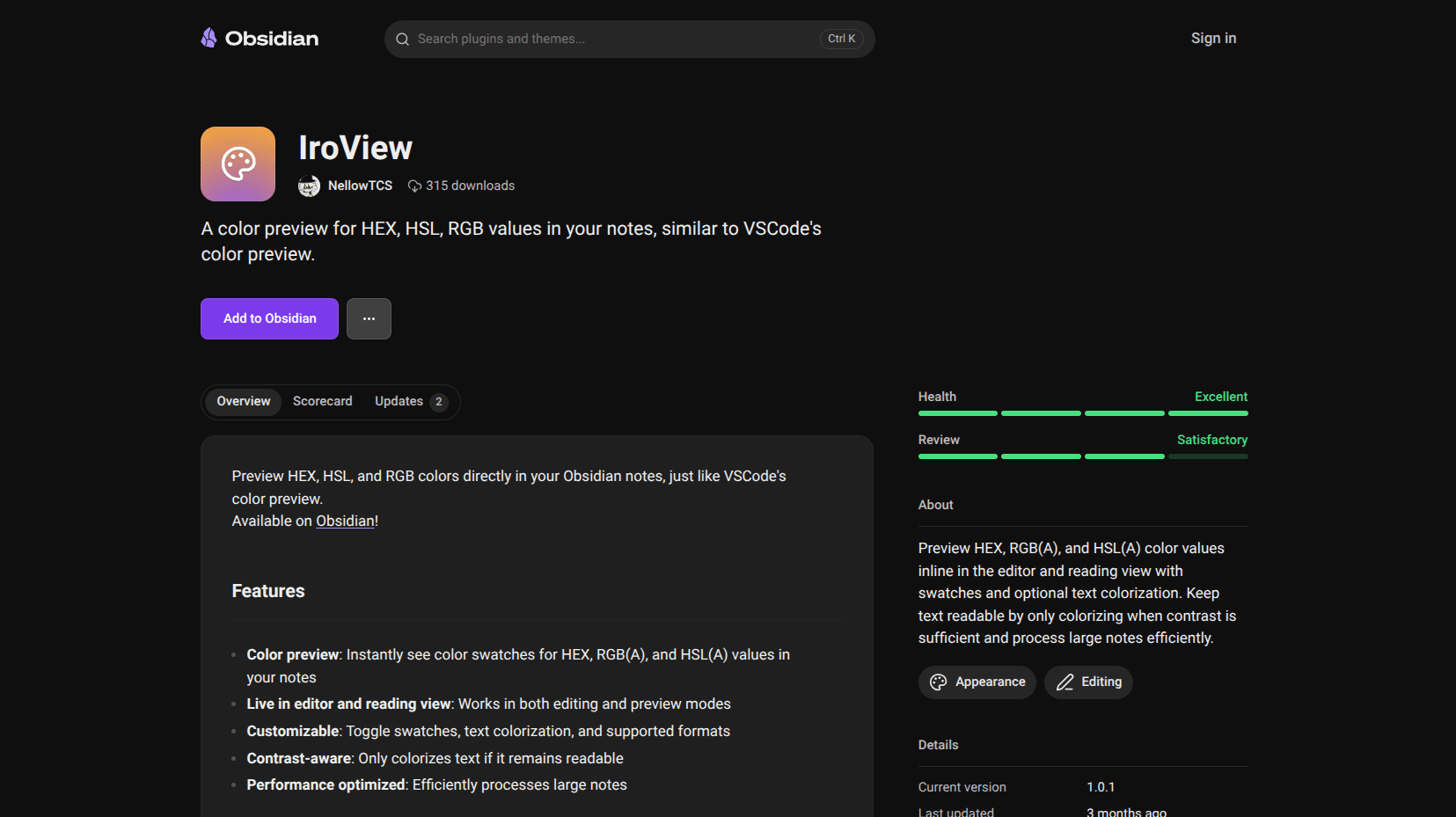
I write notes about design systems and creative projects, and I got tired of copying HEX values into a browser color picker just to see what they look like. Every time. “What does #4a90d2 actually look like?” Copy, paste, check, go back. Over and over. So I built IroView to just show me the color right there.
What This Does
You write a color value in your notes, and a small colored circle appears right next to it. That’s it. HEX like #ff0000, HSL like hsl(0, 100%, 50%), RGB like rgb(255, 0, 0) with full alpha channel support for transparency. The preview updates in real-time as you type, so you always see the current color.
It works in both reading mode and live preview mode. Install it and forget about it, no configuration needed.
How It Works
The plugin scans your note content for color value patterns using regex. When it finds a match, it renders a small colored circle inline next to the text. The rendering happens in real-time on editor changes, so the swatch updates as fast as you can type.
It supports all the common color formats: three and six digit HEX, eight digit HEX with alpha, HSL and HSLA, RGB and RGBA. The circles are small enough to not be intrusive but visible enough to actually be useful.
Why It Exists
Look, this is a small plugin. There’s no complicated architecture or clever algorithm. But if you work with colors in your notes, design tokens, CSS variables, creative writing with color palettes, having that visual reference inline saves a surprising amount of time. It’s one of those things where you don’t realize how often you were context-switching until you stop having to.
It’s on npm as obsidian-iroview, lightweight, and non-intrusive. Sometimes the simplest tools are the ones you use the most.